How to Manage Website Colours, Fonts and Buttons Without Editing Every Page?
 GrowthLife
30 Jul 2026
6 min read
GrowthLife
30 Jul 2026
6 min read
Introduction
You may only want to change one colour, font or button style. But that same element could already appear across your homepage, product pages, forms, banners, checkout and mobile layout.
You update one section, refresh your website and then notice that several other pages are still showing the old design.
You may find yourself:
- Opening the same settings repeatedly
- Searching through multiple Elementor sections
- Fixing mismatched colours and fonts
- Checking desktop and mobile separately
- Contacting a developer for minor changes
- Worrying that one edit may break something else
At this point, a simple design update starts feeling like you are rebuilding your entire website.
How can inconsistent design affect your business?
When your website uses different button styles, font sizes or colours across different pages, your visitors notice the inconsistency—even when they cannot explain it.
Your website may still function, but it may no longer feel polished, trustworthy or professionally managed.
You may experience:
- Slower website redesigns
- Higher development costs
- Delayed campaign launches
- Weak brand consistency
- Poor mobile readability
- More client revision requests
- Hours lost on repetitive editing
For an agency, these repeated changes reduce productivity. For a business owner, they make every campaign dependent on technical support.
Why might your existing design tools still feel limited?
Page builders give you excellent control, but they often require you to edit individual widgets, sections or templates.
This works well when your website is small. It becomes difficult when you are managing dozens or hundreds of design elements.
You may also have:
- Custom colours added manually
- Inline styles inside old pages
- WooCommerce buttons with separate settings
- Templates created at different times
- Elements that ignore your global styling
Your global settings may update some areas, while older sections continue showing the previous design.
How can you control your website design from one place?
This is where GrowthFlow Instant DesignKit can simplify your workflow.
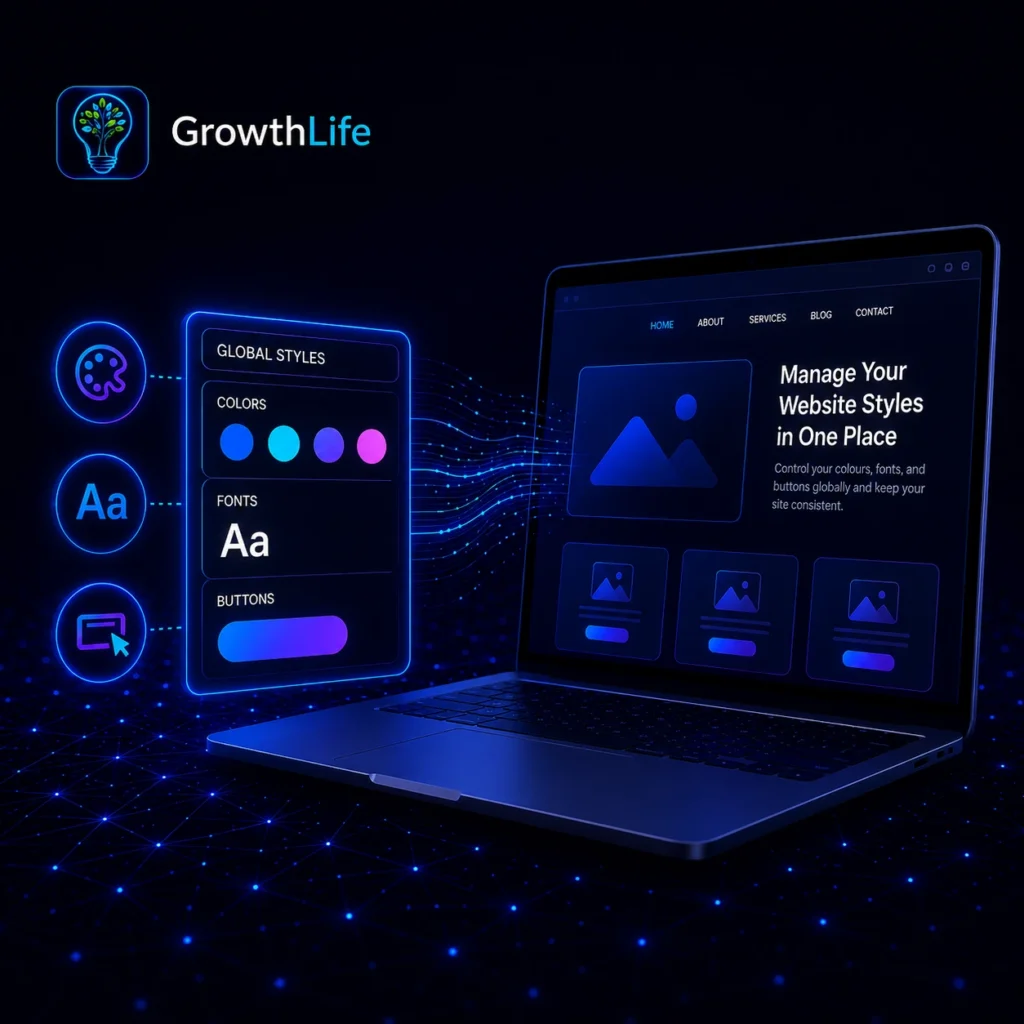
Instead of opening every page separately, you can manage your website’s visual settings through one organised control panel.
You can use it to manage:
- Website colours
- Font families
- Heading and paragraph sizes
- Font weights
- Button colours
- Hover effects
- Line height
- Letter spacing
- Background gradients
- Button gradients
- Desktop typography
- Mobile typography
- Light, dark and natural modes
You are not replacing your page builder. You are adding a faster way to control the design system around it.
How can you replace colours across your website?
Start by identifying the colour you want to remove. Then choose the new colour you want to use.
The plugin applies the replacement across matching website elements while leaving unrelated colours unchanged.
You can use this when you are:
- Rebranding your website
- Updating a client’s colour palette
- Preparing a festive campaign
- Correcting inconsistent shades
- Introducing a new visual identity
- Testing a different brand direction
You can also create multiple replacement rules. This allows you to update several colours without opening every page.
How can you find the colours already being used?
You may not remember every hexadecimal code used across your website.
The Sync My WebColor feature scans your live website and collects colours found in visible design elements.
You can then select the detected colours and send them directly into the replacement area.
This helps you avoid:
- Inspecting CSS manually
- Searching for colour codes
- Opening every Elementor widget
- Guessing which shade was used
- Depending on browser developer tools
The plugin can also detect longer hexadecimal colour formats, including colours with transparency values.
How can you improve your website typography?
You can apply fonts to headings, paragraphs, spans, lists and buttons.
You can choose from your website fonts, system fonts, Google Fonts or add a custom Google Font using its embed information.
You can adjust:
- H1 to H6 headings
- Paragraph text
- Bullet lists
- Button text
- Desktop font sizes
- Mobile font sizes
- Font weight
- Line height
- Letter spacing
This helps you create typography that feels consistent and easier to read across your website.
How can you make every button look consistent?
Buttons often become inconsistent because some are standard buttons while others are links styled to look like buttons.
The plugin can detect and recolour different button types, including Elementor link-based buttons.
You can control:
- Background colour
- Hover background colour
- Text colour
- Hover text colour
- Font size
- Font weight
- Border radius
- Transition speed
- Desktop appearance
- Mobile appearance
You can update the style once and create a more unified experience throughout your website.
Can you create gradients without writing CSS?
Yes. You can use the built-in gradient generator to preview different gradient combinations before applying them.
You can add gradients to:
- Website backgrounds
- Headings
- Buttons
- Button hover states
You can also replace a solid colour with a gradient. This gives your website a more modern appearance without manually writing CSS.
How can the theme-cloning feature help you?
The Clone Any Theme tool can analyse a public webpage and detect its colour palette, fonts and primary button styling.
You can then review the detected design elements and choose which ones you want to use.
This feature does not copy the website’s written content. It helps you study and recreate selected visual patterns.
You may use it to understand:
- Colour combinations
- Font pairings
- Button styling
- Visual hierarchy
- Design consistency
How can an agency use this plugin?
When you manage several client websites, repeated design changes can consume hours.
With one central workflow, you can handle branding updates, redesigns and client revisions more efficiently.
You can use the plugin to:
- Complete redesigns faster
- Reduce repetitive Elementor edits
- Test colours more quickly
- Correct mobile typography
- Maintain client brand consistency
- Reduce revision time
- Manage more projects with the same team
- Restore previous colour settings
Instead of editing twenty websites manually, you can create a more structured process for each project.
How can you use it as a business owner?
You can make important visual updates without contacting a developer for every small change.
You can prepare your website for:
- Product launches
- Seasonal sales
- Festive promotions
- Brand refreshes
- New colour campaigns
- Mobile readability improvements
- Button design experiments
This gives you more control over your website while allowing your developer to focus on technical work.
Can you use it without coding knowledge?
You do not need to be comfortable with CSS or theme files.
The dashboard separates colours, fonts, buttons, gradients, spacing and other settings into organised sections.
You can scan your website colours, select colours from images, adjust typography and test visual styles from one place.
What should you do if a colour change does not look right?
You can use the saved colour history to return to an earlier design state.
This means you do not need to remember every previous colour combination or rebuild it manually.
You should still create a full website backup before making major changes. A backup gives you another layer of protection while you experiment.
What can you achieve with GrowthFlow Instant DesignKit?
You can bring scattered website styling tasks into one organised workspace.
Instead of treating every design update like a complete rebuild, you can manage many visual changes through a repeatable system.
The main benefits include:
- Faster design updates
- Better visual consistency
- Easier experimentation
- Less dependence on coding
- Stronger mobile control
- Faster agency delivery
- Simpler brand management
Your website design should support your work—not create more of it.
With the right design controls, you can spend less time searching through settings and more time improving the experience your visitors see.
Note
GrowthLife helps businesses, agencies and professionals build structured digital growth systems through website development, automation, SEO, branding and performance marketing.
Our goal is to simplify complex digital work, reduce repetitive tasks and help businesses manage their online presence more efficiently.
The plugin discussed in this article is designed to support faster website styling, easier brand consistency and improved control over colours, fonts, buttons and visual elements.
For more information about GrowthLife, its digital solutions and available tools, visit the official GrowthLife website or contact the team for guidance.